Expanding Beyond Web Development
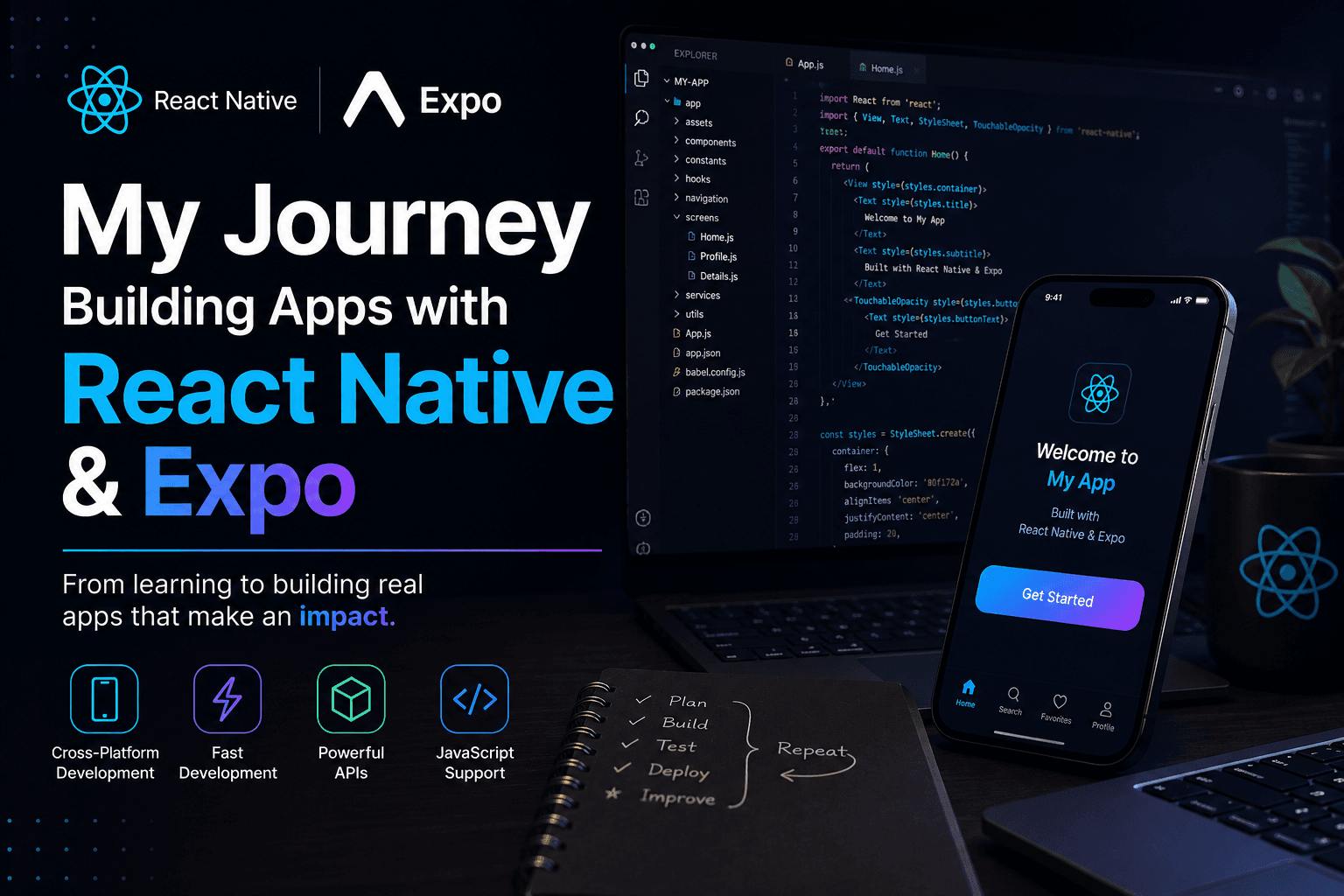
After spending a significant amount of time building web applications with React.js and the MERN stack, I became curious about mobile app development. I wanted to create applications that users could install directly on their phones while still using technologies I was familiar with.
That's when I discovered React Native and Expo.
What initially attracted me was the promise of building cross-platform mobile applications using JavaScript and React concepts that I already knew. Instead of learning an entirely new ecosystem, I could leverage my existing frontend development experience and apply it to mobile development.
My First Experience with React Native
Coming from a React.js background, many concepts felt familiar:
Components
Props
State Management
Hooks
Reusable UI Architecture
API Integration
However, mobile development introduced an entirely different way of thinking.
There was no HTML or CSS in the traditional sense.
Instead, I learned how to work with:
View
Text
ScrollView
FlatList
TouchableOpacity
SafeAreaView
Mobile Navigation
At first, it felt strange, but after building a few screens, everything started making sense.
Why Expo Made Learning Easier
One of the biggest reasons I enjoyed learning React Native was Expo.
Expo simplified many challenges that beginners typically face when starting mobile development.
Instead of spending hours configuring Android Studio, native dependencies, and platform-specific settings, I could focus on building the application itself.
Some of the features I loved most included:
Fast Refresh
QR Code Device Testing
Easy Development Setup
Expo Router
Camera Integration
Push Notifications
Secure Storage
Device APIs
Being able to scan a QR code and instantly see changes on my phone felt almost magical compared to traditional development workflows.
Building Real Applications
As I became more comfortable with React Native and Expo, I started building complete applications rather than simple practice screens.
This helped me understand:
Mobile UI Design
User Experience Patterns
Navigation Systems
Authentication Flows
API Consumption
State Management
Form Handling
Offline Considerations
Each project introduced new challenges and helped me become a better developer.
Learning Mobile Design Principles
One thing that surprised me was how different mobile design is from web design.
On the web, users have large screens and plenty of space.
On mobile devices:
Every pixel matters
Navigation must be intuitive
Performance is critical
Touch interactions become important
Accessibility needs extra attention
I learned to think more carefully about layouts, spacing, animations, and user interactions.
This significantly improved my overall frontend development skills.
Challenges I Faced
My React Native journey wasn't without obstacles.
Some common challenges included:
Device-Specific Issues
Applications sometimes behaved differently across Android devices, requiring additional testing and debugging.
Navigation Complexity
Managing navigation stacks, tabs, authentication routes, and deep linking required careful planning.
Performance Optimization
As applications grew larger, I had to learn techniques for optimizing rendering, reducing unnecessary re-renders, and improving application responsiveness.
Native Features
Working with device capabilities such as cameras, notifications, permissions, and file systems introduced concepts that were completely new to me.
Each challenge taught me something valuable and strengthened my problem-solving abilities.
How React Native Improved My Development Skills
Building mobile applications helped me grow in several ways:
Better component architecture
Stronger state management practices
Improved API integration skills
Better debugging techniques
Enhanced UI/UX understanding
Greater focus on performance optimization
The experience also helped me write cleaner and more maintainable code.
React Native + Expo in Real Projects
As I continued building applications, I became increasingly confident in creating:
Authentication Systems
Dashboard Applications
E-commerce Features
API-Driven Applications
Business Management Systems
Responsive Mobile Interfaces
Using React Native with Expo allowed me to focus more on solving problems and building features rather than dealing with complex native configurations.
Looking Back
When I first started mobile development, I expected it to be completely different from web development.
Instead, I found that React Native provided a familiar bridge between the two worlds while introducing exciting new concepts and challenges.
The journey taught me how to think beyond browsers and build experiences that users can carry in their pockets.
Today, React Native and Expo have become valuable additions to my development toolkit, allowing me to create modern, cross-platform mobile applications with confidence.
And just like my journey with web development, every new application continues to teach me something new.